Create card news
in seconds, not hours.
Enter a topic or paste a URL — AI generates multi-slide card news instantly. Export as PNG, MP4, or ZIP in any aspect ratio.
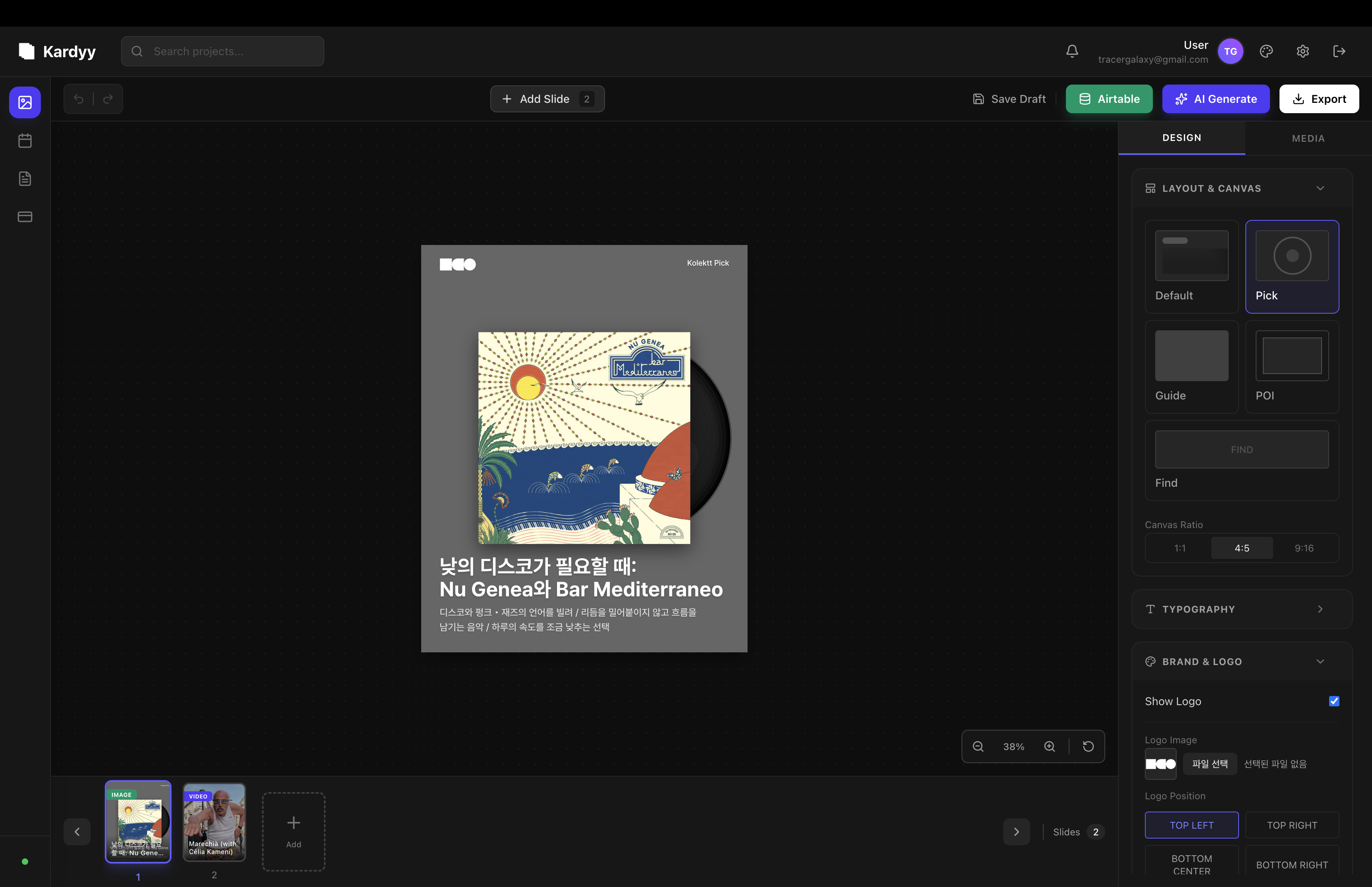
Export for every platform
Everything you need to
create card news.
From AI content generation to API integration — all in one tool.
AI Content Planner
Enter any topic and AI generates a complete 5-slide card news with titles, descriptions, and image suggestions.
URL to Card
Paste any article URL and instantly convert it into visual card news slides.
5 Layouts
Choose from Default, Vinyl, Guide, POI, and more — each designed for different content styles.
Video Overlay
Overlay card news slides on top of YouTube videos to create engaging short-form content.
Public API
Generate card news programmatically. Upload images, create cards server-side, and automate your workflow.
AI Image Search
AI finds relevant images for your slides and scores them by quality.
Made with Kardyy
Real exports from the editor — every format, every ratio.
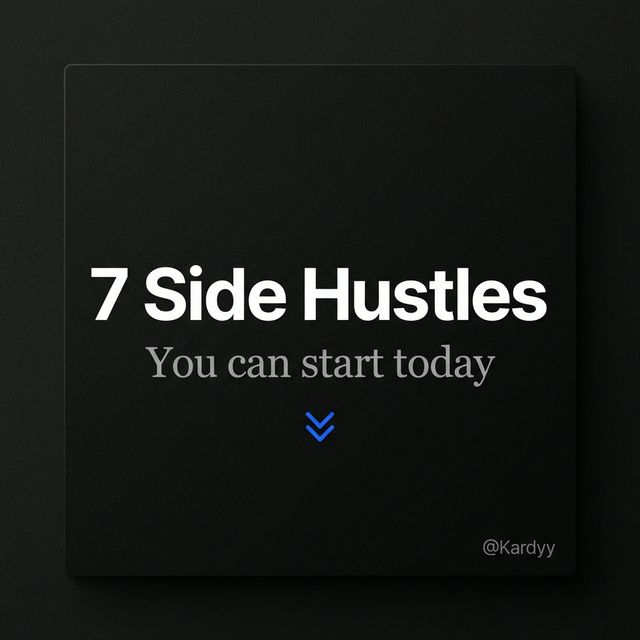
Feed Post · 1:1
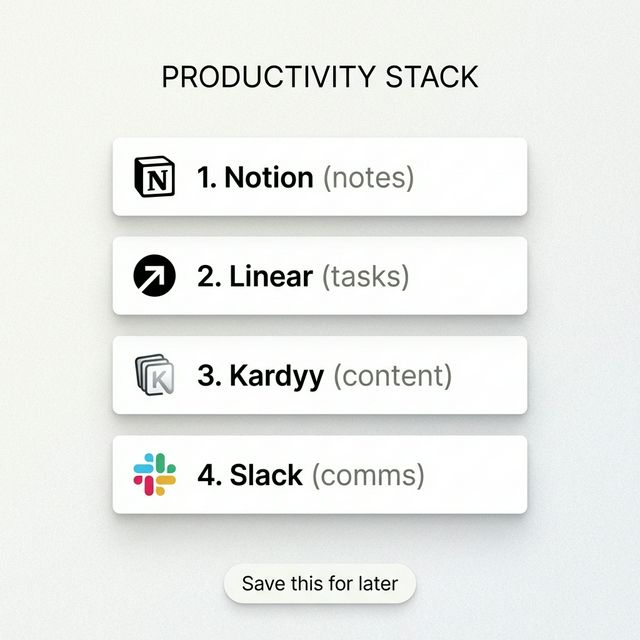
Carousel · 4:5
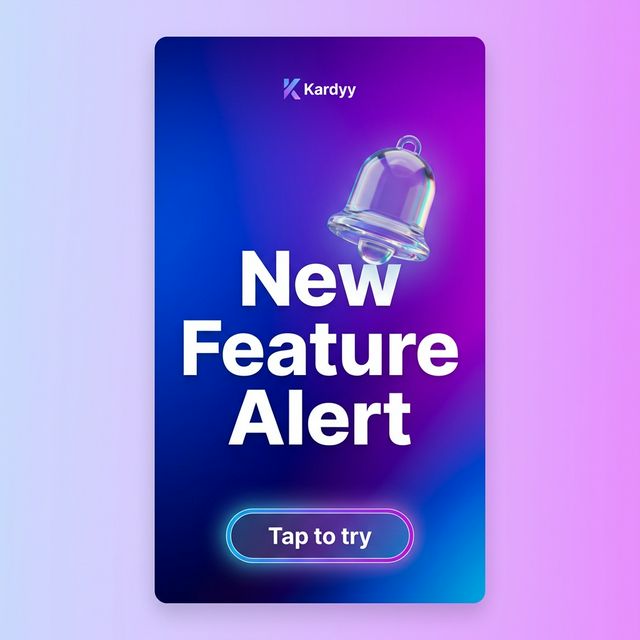
Story / Reels · 9:16
From idea to publish
in 3 simple steps.
Enter Topic or Paste URL
Type any topic or paste an article URL. AI generates slide content — titles, descriptions, and image suggestions.
Choose Layout & Customize
Pick from 5 layouts, adjust fonts, colors, and logo placement. Drag to reorder slides.
Export Everywhere
Download as PNG, MP4 video, or ZIP bundle. One click to switch between 1:1, 4:5, and 9:16.
The Hard Way
- Edit Canva templates one slide at a time
- Use video editing software for short-form clips
- Manually search stock photos for every slide
- Resize everything for each platform separately
The Kardyy Way
- AI generates all slides from a topic or URL
- Video overlay on YouTube clips — no editing software
- AI finds and scores images automatically
- One-click export in 1:1, 4:5, and 9:16
How people use Kardyy
Real workflows from different content creators.
I post 5 Instagram carousels a week. With Kardyy, I enter my topic, pick a layout, and export — all in under 2 minutes per set.
We repurpose blog posts into LinkedIn card news by pasting the URL. The AI pulls out the key points and formats them into slides automatically.
I turn each newsletter issue into visual card news for social media. The video overlay feature lets me create Reels from YouTube clips too.
Simple, transparent pricing
Start free, upgrade when you need more.
Free
Get started with core features.
- AI content planner & URL-to-card
- 5 layout templates
- PNG, ZIP export
- 1:1, 4:5, 9:16 aspect ratios
- AI image search
Pro
Everything in Free, plus power features.
- Everything in Free
- MP4 video export
- Video overlay on YouTube clips
- Public REST API
- Custom branding & watermarks
- Priority support
Frequently asked questions
What is card news?
Card news is a multi-slide visual format popular on social media. Each slide presents a key point with text and images — perfect for Instagram carousels, LinkedIn posts, and TikTok/Reels.
What formats can I export?
You can export as PNG images (individual slides or batch), MP4 video (with slide transitions), or a ZIP bundle with all slides. Three aspect ratios are supported: 1:1 (feed), 4:5 (portrait), and 9:16 (stories/reels).
How does the AI content generation work?
Enter any topic and our AI (powered by Gemini) generates a complete card news plan — slide titles, descriptions, and image suggestions. You can also paste an article URL and the AI will extract key points into slides.
Can I create videos too?
Yes! With the Pro plan, you can overlay card news slides on top of YouTube videos to create short-form content. Videos are encoded server-side and exported as MP4.
Is the Free plan really free?
Yes. The Free plan includes AI content generation, 5 layouts, and PNG/ZIP export — no credit card required. Upgrade to Pro for video export, API access, and more.